The business card
they'll actually keep.
A beautiful page with your photo, your work, and every way to reach you. One tap saves you straight into their phone's contacts. Share it with a link or a QR code, and update it anytime.
One tap, and you're in their phone.
The big button on every card hands your details to the phone's own contacts app, photo included. No typing, no misspelled emails.
- Everything, in one tapName, photo, job title, company, phone, email, website, and links, straight into their contacts.
- No app, no accountWorks in the phone's own browser. iPhone and Android, nothing to install.
- Still there next monthPaper cards get lost in a drawer. A saved contact shows up every time they search for you.

Interior Designer · Atelier Nest
Nadia Rahman
mobile
+60 12-345 6789
work
nadia@ateliernest.my
instagram.com/ateliernest
More than a contact card.
Your best first impression.
Show who you are and what you do, then make it effortless to stay in touch.
Atelier Nest
Nadia Rahman
Interior Designer
Scan to save my contact

Print your QR once. Update forever.
Put your card's QR code on paper cards, flyers, or your booth. Changed jobs or numbers? Edit the card. The QR never needs reprinting.
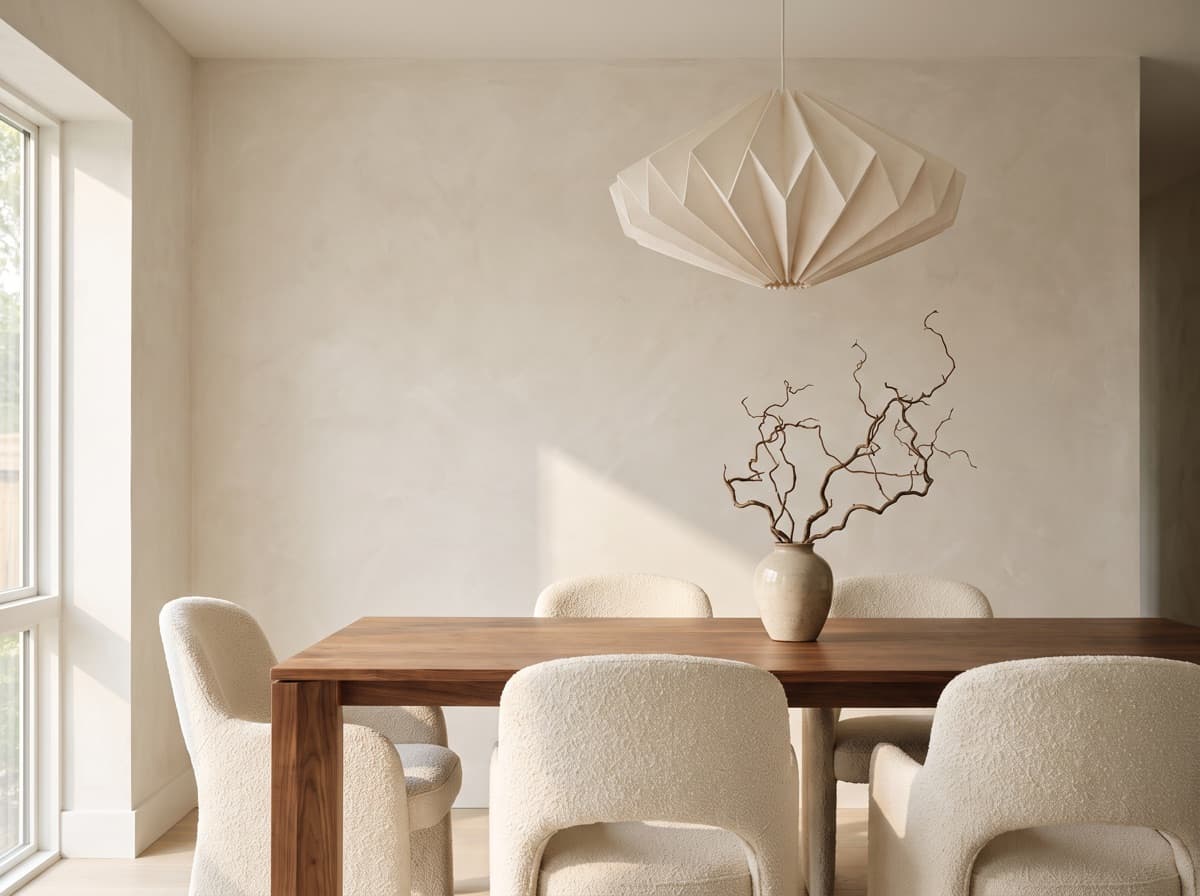
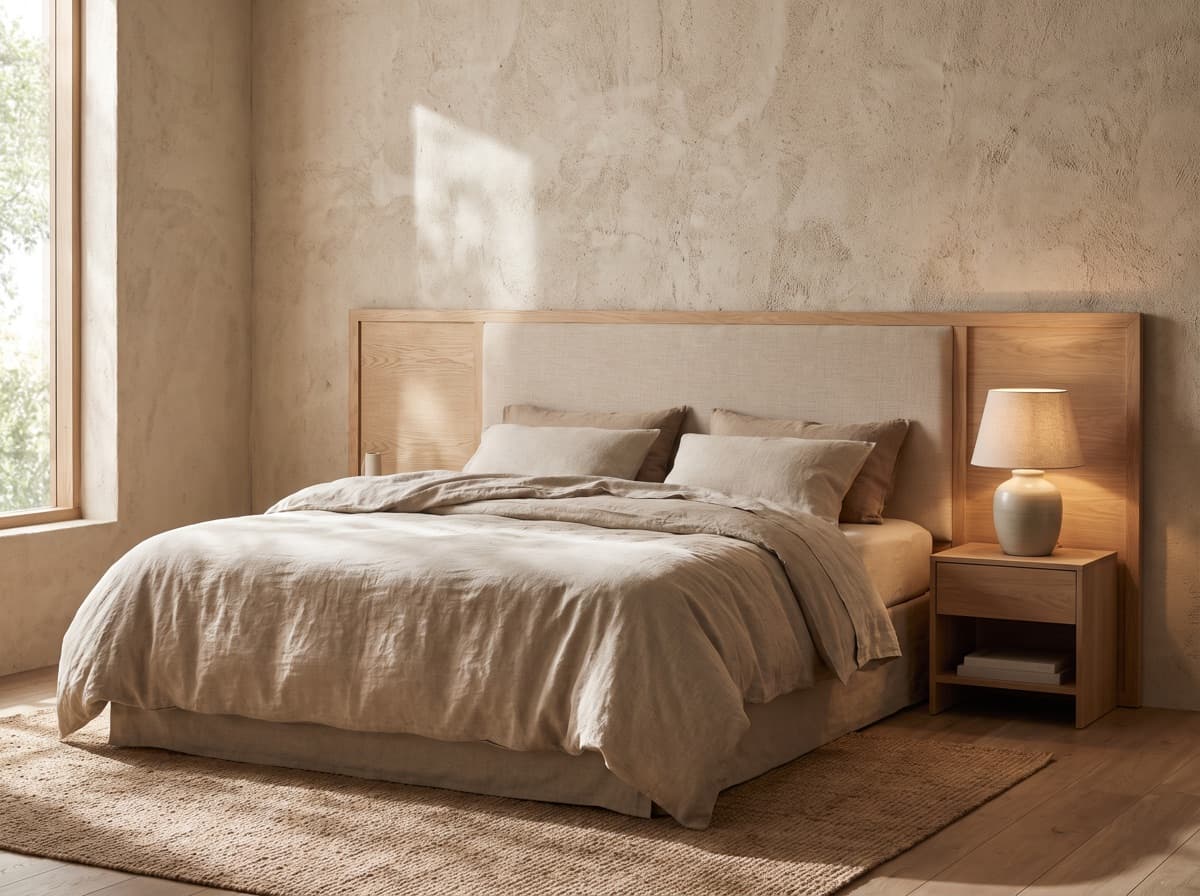

Show your work
Add up to 12 photos of finished projects, products, or your space. Visitors swipe through them right on your card.
Make it yours
Three designs, any brand color, three type styles, light or dark. Add your logo and a cover photo.
Views
1,284
Saves
312
Scans
540
See what's working
Know how many people viewed your card, saved your contact, and scanned your QR code.
Nadia RahmanInterior DesignerDuplicate Daniel WongProperty ConsultantLive
 Mei Lin TanFounder & Head RoasterLive
Ready for your whole team
Set up one card, duplicate it for every salesperson, and change just their name, photo, and number.
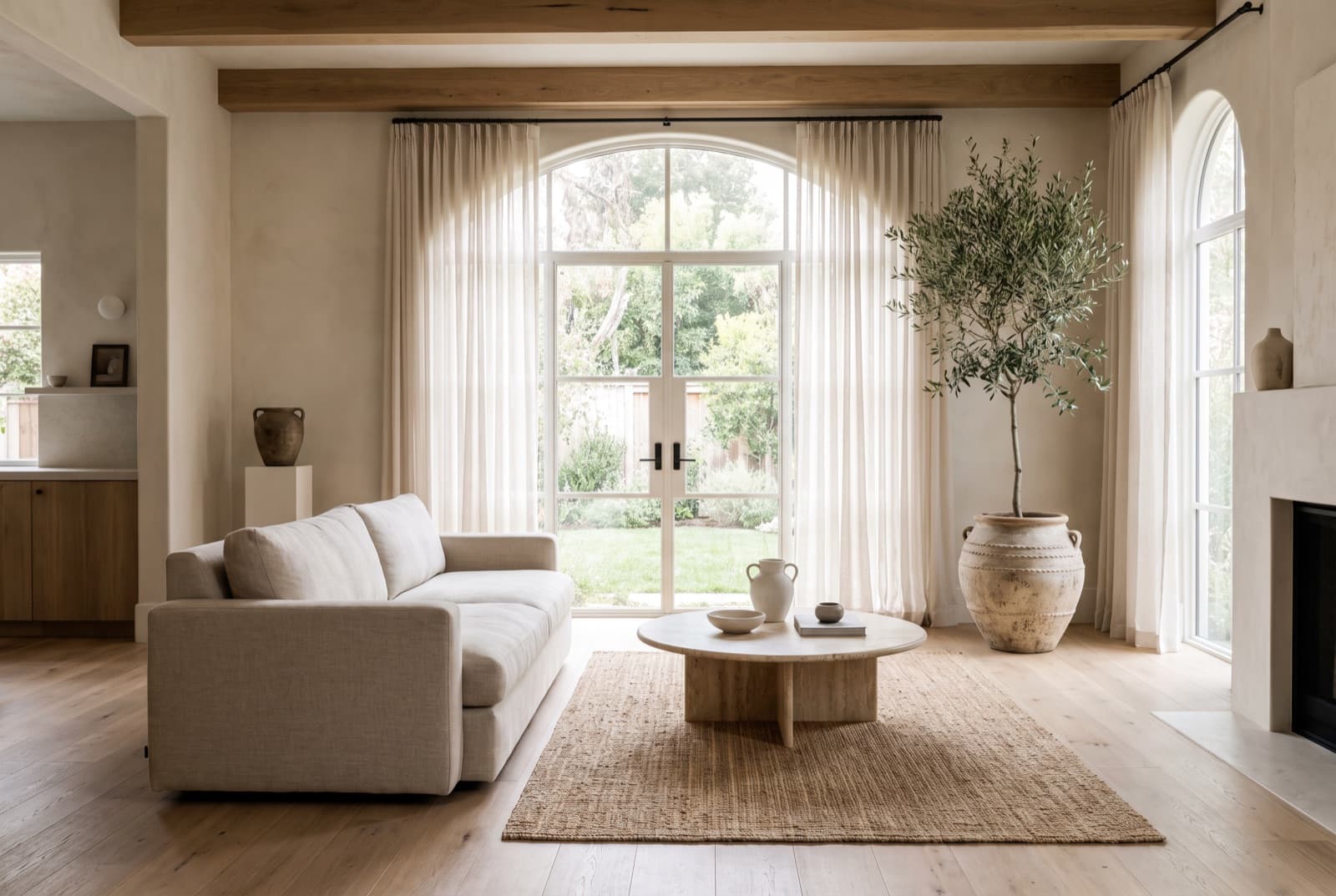 Nadia RahmanInterior Designer · Atelier Nest
Nadia Rahman — Interior Designer at Atelier Nest
ateliernest.reusable-qr.com
Your own link, with a beautiful preview
Every card gets a short link under your brand's name. Paste it into WhatsApp, LinkedIn, or email and it shows a polished preview with your photo and title.
Looks like you, not a template.
Pick a design and a color, and switch between light and dark. Try it on a sample card.
Sample card
Design
Brand color
Appearance
Ready to share in minutes
Create your card
Add your name, photo, logo, and the ways people can reach you. Pick a design. It takes about two minutes.
Share it anywhere
Send the link on WhatsApp or email, add it to your signature, or print the QR code on paper cards, flyers, and your booth.
Update it anytime
New number, new title, new photos? Edit the card and everyone sees the latest version. Your link and QR code stay the same.
Keep your paper cards. Make them smarter.
Print your card's QR code on the back, and every paper card opens your always-up-to-date digital card.
Paper card alone
- Reprint every time a detail changes
- People type your number in by hand
- A name and a phone number
- Runs out, gets lost in a drawer
- No idea if anyone kept it
With a ReusableQR card
- Edit anytime, everyone sees the update
- One tap saves you to their contacts
- Your photo, work, links, and reviews
- Always in your pocket, never runs out
- See views, saves, and QR scans
Questions, answered
Is it really free?
Yes. Creating, publishing, and sharing digital business cards is free, including the QR code, photo gallery, analytics, and multiple cards. No credit card needed.
Do people need an app to see my card or save my contact?
No. Your card opens in any phone's browser, and the Save contact button hands your details to the phone's own contacts app, on iPhone and Android.
Can I change my details after I've printed the QR code?
Yes. Edit your card anytime and everyone sees the latest version. Your link and QR code stay the same, so printed cards and flyers keep working.
Can I make cards for my team or salespeople?
Yes. Create as many cards as you need. Set up one card with your logo, cover, and photos, then duplicate it for each person and change their name, photo, and contact details.
What can I put on my card?
Your photo, logo, and a cover image; your title, company, and a short bio; phone numbers, emails, website, and address; links like WhatsApp, Instagram, LinkedIn, Google reviews, and a booking page; and up to 12 photos of your work.
Can I see who viewed my card?
You see how many people viewed your card, saved your contact, and scanned your QR code. Visitors stay anonymous: we don't collect their names or contact details.
Make a card you're proud to share
Create your digital business card in a couple of minutes. Free, with your own link and QR code.
Create your free cardFree · No credit card · As many cards as you need