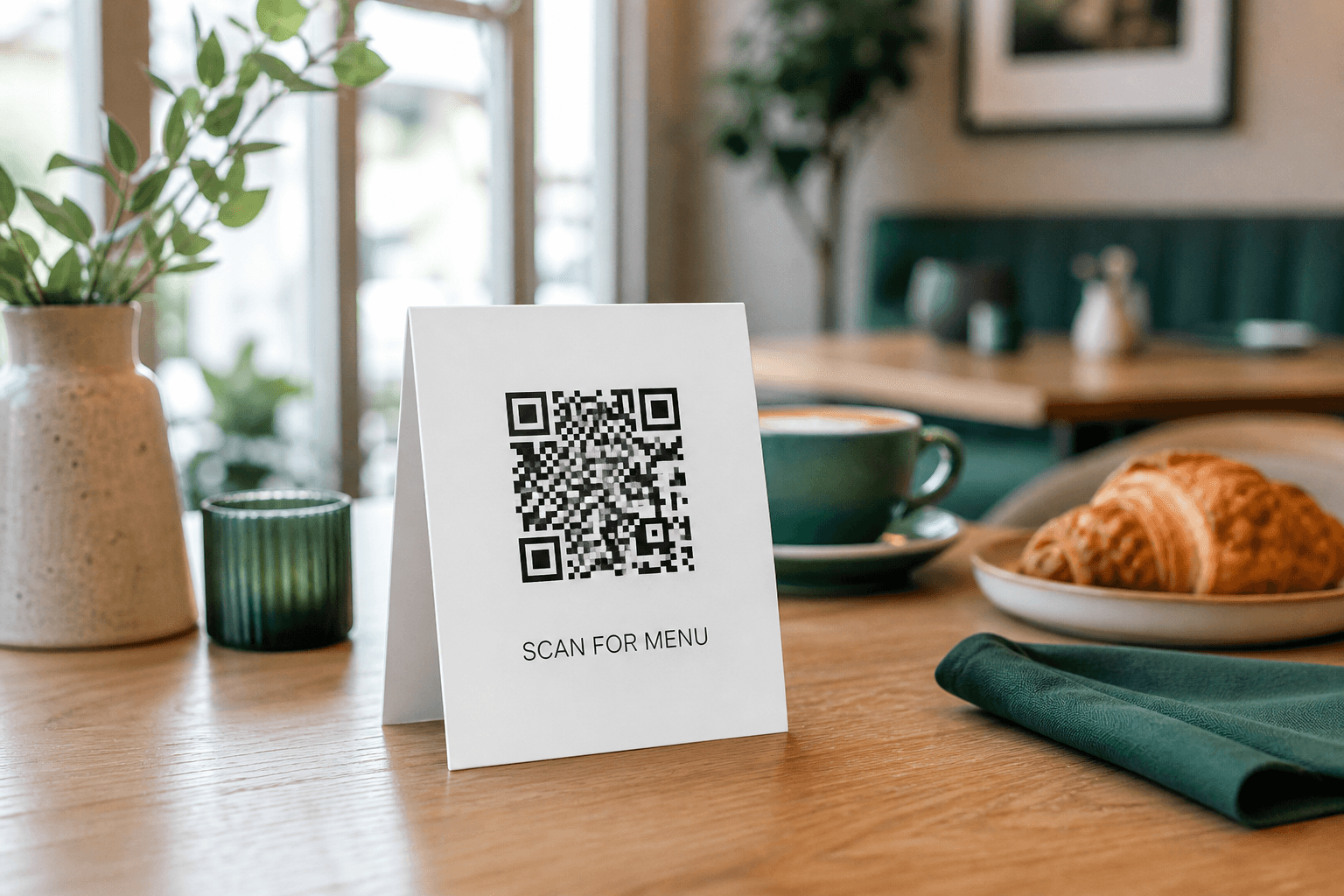
Restaurants & cafes
Menus that update themselves
Swap in the weekend menu, seasonal specials, or a new ordering page — table tents stay on the tables.
Create a free dynamic QR code that matches your brand, print it anywhere, and change where it points — anytime. No reprints. No wasted stickers, menus, or signs.
SCAN ME
Printed once · Never reprinted
Weekend menu
yourcafe.com/menu
1. Add your content · 2. Make it yours · 3. Download free — or make it a reusable dynamic QR code
One click applies the full design. Fine-tune anything below.
Your QR code will appear here
Start typing on the left and watch it come alive
Free account. Change the destination anytime — no reprints, ever.
Everything you need to create, brand, print, and keep control of your codes — forever.
Typo in the link? Campaign over? Point the same printed code somewhere new in seconds — menus, signs and packaging stay exactly as they are.
Destination URL
The printed code never changes — only where it points.
Scan counts and timing for every code, so you know which placements actually work.
Gradients, dot shapes, corner styles, frames with call-to-action text, and your own logo.
Hi-res PNG for screens, infinitely-sharp SVG for designers, and PDF for the print shop.
Built-in contrast and geometry checks warn you before you print a code that phones can't read.
Create a dynamic QR code in minutes — from a blank page to a printed code you can keep updating for years.
Pick a template or build your own look — colors, gradients, shapes, logo, and a frame with call-to-action text.
Download a print-ready PNG, SVG, or PDF and put it on menus, signs, packaging, stickers, or business cards.
Change the destination from your dashboard whenever you need. The printed code keeps working — instantly.
Stop printing dead ends. Every static QR code is a link you can never take back. Here's what changes when the code is reusable.
Any free generator
Editable forever
Anywhere a link can change, a reusable code saves you a reprint.
Swap in the weekend menu, seasonal specials, or a new ordering page — table tents stay on the tables.

Point the same yard sign to each new property, or flip it to 'Sold' the moment the deal closes.
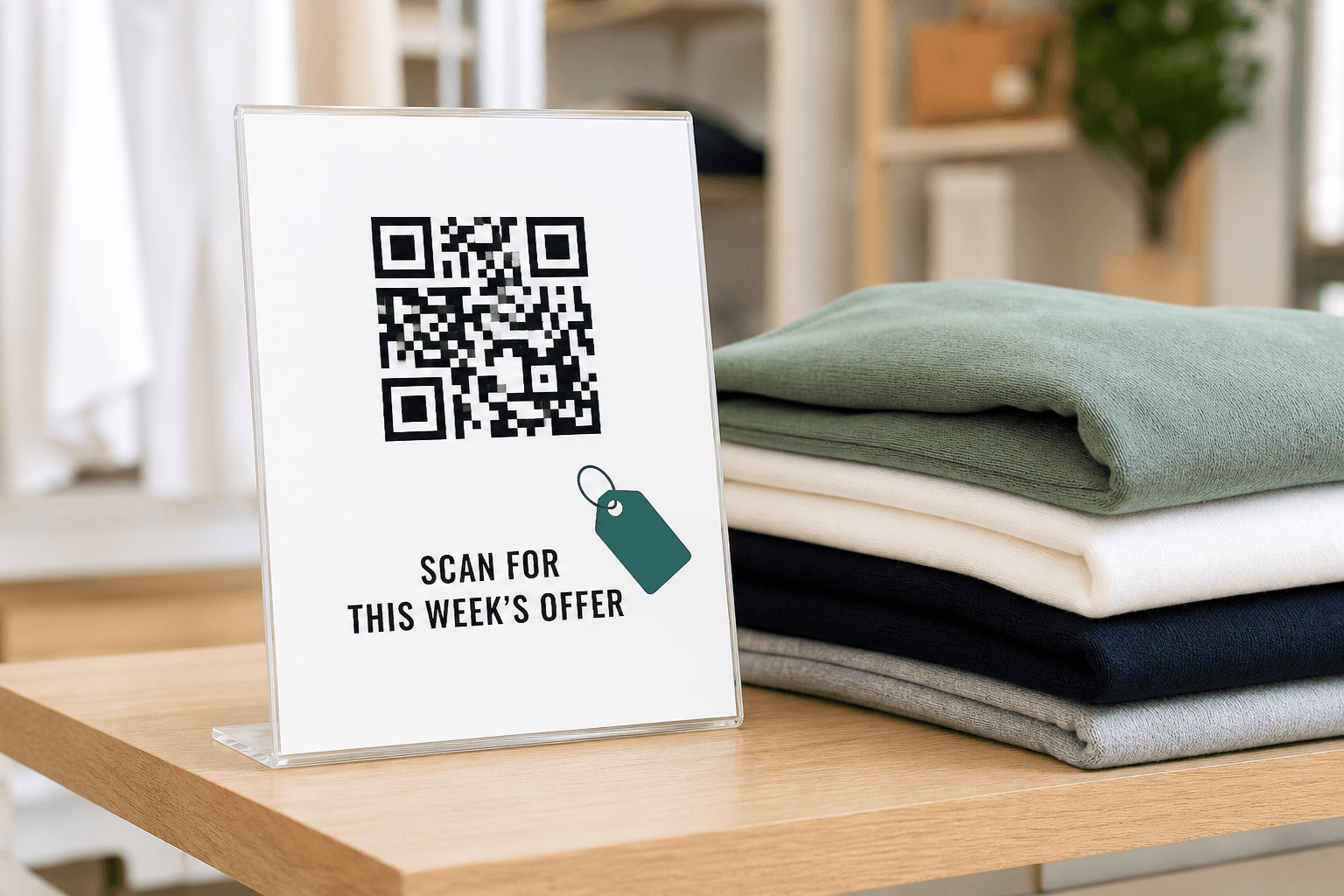
Rotate weekly offers and flash sales on the same counter display — printed once, updated every Monday.
How reusable QR codes work, what is free, and what happens after you print.
A dynamic QR code prints a short, stable link — not your final URL. When someone scans it, they are forwarded to whatever destination you have set. Change that destination later and every printed copy updates instantly, with no reprint.
A static QR code encodes the destination itself, so the link is frozen the moment you print. A dynamic (reusable) QR code encodes a redirect you control. Static codes cannot be edited, tracked, or reused for a new campaign. Dynamic codes can.
Your printed code points to a short ReusableQR link. When someone scans it, we instantly forward them to whatever destination you have set. Change the destination in your dashboard and every printed copy updates at the same moment.
Yes. Designing and downloading QR codes (PNG, SVG, PDF) is free with no watermark and no account. Creating a reusable code with an editable destination requires a free account so you can log in and manage it later.
Yes. The builder checks color contrast and finder-pattern geometry as you design, and warns you before anything becomes hard to read. We verify our rendering against real decoder libraries.
Links, plain text, email, WiFi credentials, and contact cards (vCard). Reusable editing applies to link-type codes, since those are the ones that redirect.
Yes. Upload any image and the builder places it in the center with the right amount of clearance, using high error-correction so scanning stays reliable.
Static downloads keep working forever — they are just images. Reusable codes depend on our redirect service, and your codes stay live as long as your account exists.
Design a free QR code in the builder above. No account needed until you want a reusable, editable destination.
No credit card · No watermark · Print-ready in minutes